Restaurant software is compared as though all restaurants are the same operation at different scales. They are not. A quick service counter and a fine dining room have almost nothing in common operationally, and the system that suits one will frustrate the other.
Start by being clear which you are.
Quick service and counter formats
Speed at the point of order dominates everything. Evaluate on:
- Number of taps from start to payment — count them in the demo, on the ten items you sell most
- Modifier handling that does not slow the flow
- Token and queue display integration
- Peak-hour behaviour: what happens when the internet drops mid-rush
That last point is decisive. A counter that cannot take an order offline stops trading during an outage. Ask specifically what works offline and how it reconciles afterwards.
Fine dining and table service
Table management and the course flow matter more than raw speed:
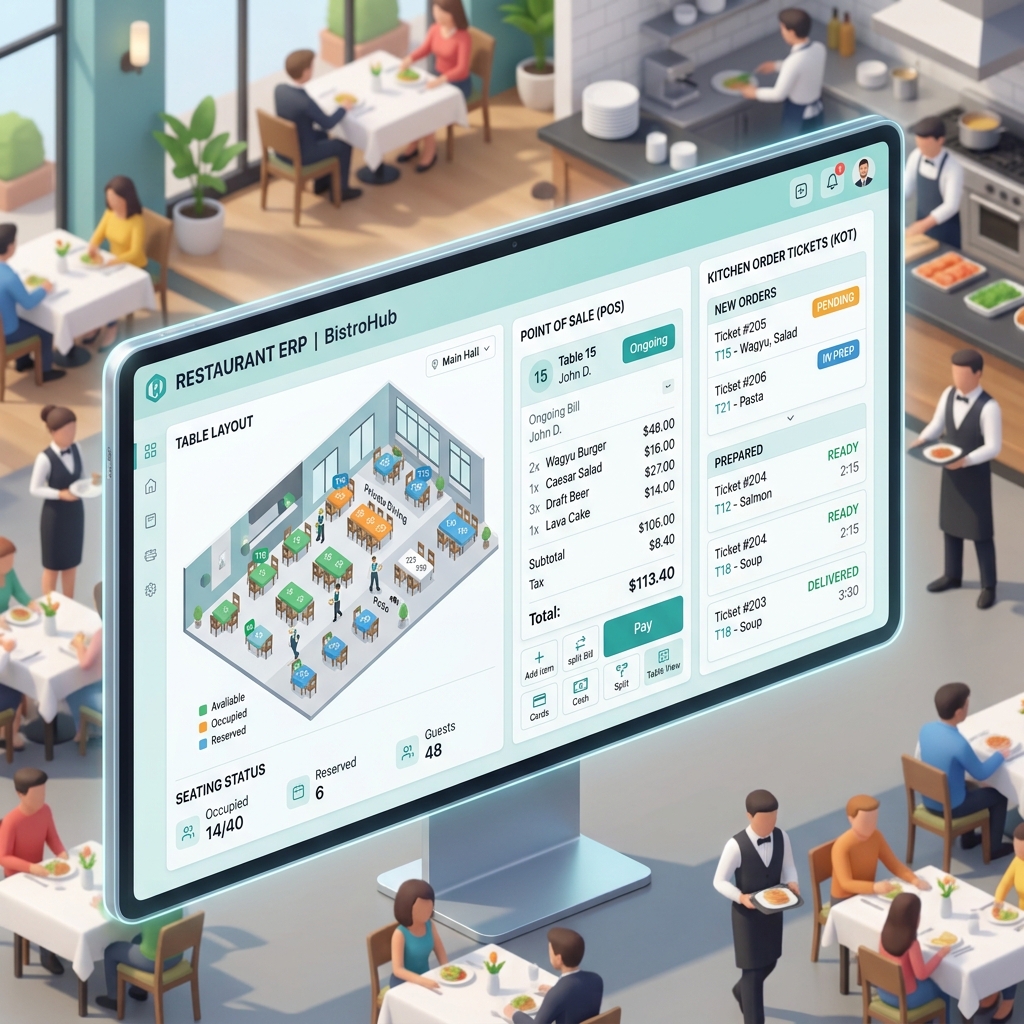
- Table state, transfers, splitting and merging bills
- Course firing — holding a course until the table is ready
- Waiter-wise reporting, for both service quality and accountability
- Reservation handling, and whether it connects to the floor plan
- Split payment across several cards and methods on one table
Bill splitting is where many systems reveal their limits. Bring a genuinely awkward case to the demo: eight guests, three paying, one item shared between two of them.
Cloud kitchens and delivery-led operations
Aggregator integration is not a nice-to-have here; it is the business:
- Which platforms integrate natively, by name
- Whether orders arrive in the POS automatically or are punched manually from a tablet
- Whether menus and availability can be pushed out to platforms from one place
- Whether payout statements reconcile against orders automatically
- Multiple brands from one kitchen, with separate menus and reporting
Manual punching from a tablet is the normal state of the industry, and it is where errors and reconciliation problems originate. A system that removes it is worth a lot.
Multi-outlet operations
- Central menu and price management, pushed to outlets with outlet-level exceptions
- Consolidated reporting with per-outlet drill-down
- Inter-outlet stock transfers
- Central kitchen production, if you have one
- Role-based access so an outlet manager sees only their outlet
What every format needs
Regardless of type, four things determine whether the system earns its cost:
- Recipe mapping. Without it, food cost is a guess. It is a week of tedious setup and the highest-return work in the project.
- Ingredient-level inventory. Counting dishes tells you nothing about waste or theft.
- Discount and void logging tied to a user, with reason codes, reviewed regularly.
- Reports someone actually reads. Daily sales, food cost variance, item profitability. If nobody opens them, the data is decoration.
Practical evaluation steps
- Demo with your own menu, including your most complicated item and its modifiers.
- Test the offline path by disconnecting during the demo.
- Ask which aggregators integrate natively, by name.
- Ask what a recipe mapping exercise involves and who does it.
- Speak to a restaurant of your format and roughly your size.
- Confirm hardware compatibility — printers, displays, scanners — before committing.
About the author. Kislay Chandan has worked with schools since 2014. Rather than gathering requirements from the outside, he worked inside a school to see what actually goes wrong day to day, and built what he found into the software. He still works with Shemrock Glitters in Patna — most changes to the product start with something that came up there.
Gallery